Insites CLI Tool v5.10.0 lets you do two things on your own machine without waiting for a deploy. You can lint your Liquid files locally, and your editor will now recognize the language. The CLI also connects straight to Insites' dedicated stack instances.
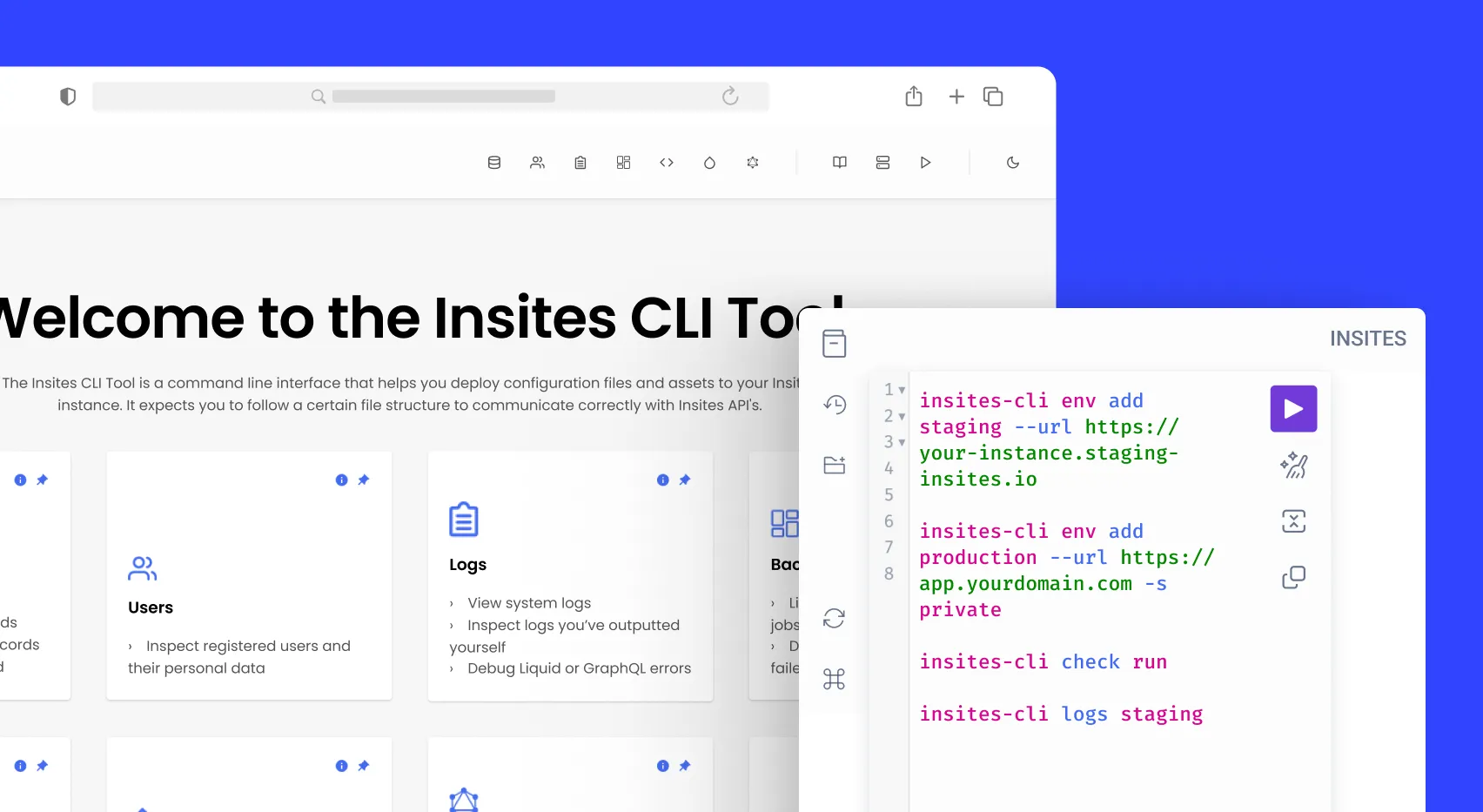
The new check command groups issues by file. Run check run to see them. Add -a to autofix what can be fixed, use -c to filter by specific checks, -f text or json to pick your output format, and -s to show only errors. The check init command makes a config file so you can turn off certain checks or change their severity for your project. Use check update-docs to refresh the Liquid docs the linter uses, so your checks stay current as the platform changes.
The CLI now has a language server that gives you hover documentation, code completions, go-to-definition, rename, and inline diagnostics. You get feedback as you type, so you don't have to wait for a failed deploy.
The env add command now connects to Insites dedicated stack instances using browser-based authorization, so you no longer need to enter an email address or UUID. The new -s or --stack option lets you pick the stack directly. Each env add shows which stack it used, and env list shows stack membership for each environment. The deploy, sync, and modules commands all target the right dedicated stack in Partner Portal. Existing environments don't need migration and are resolved from the instance URL.
The logs command now works again after previously showing an unknown command error. logsv2 reports no longer throw file-not-found errors, logsv2 alerts now send Slack alerts as expected, and all logsv2 commands now return real error messages instead of empty objects. insites-cli <command> --help now shows help for the specific command instead of the general list.
Currently, the dedicated stack only supports the Partner Portal, so logs and deployment events still use the shared hosts. The installation is also bigger than v5.9.2 because it now includes the linter and language server.

Try Insites for as long as you like with our free starter plan and free staging instances.
Then purchase a production instance when you are ready to go live.